How to Pick a Good Image for a Value Study
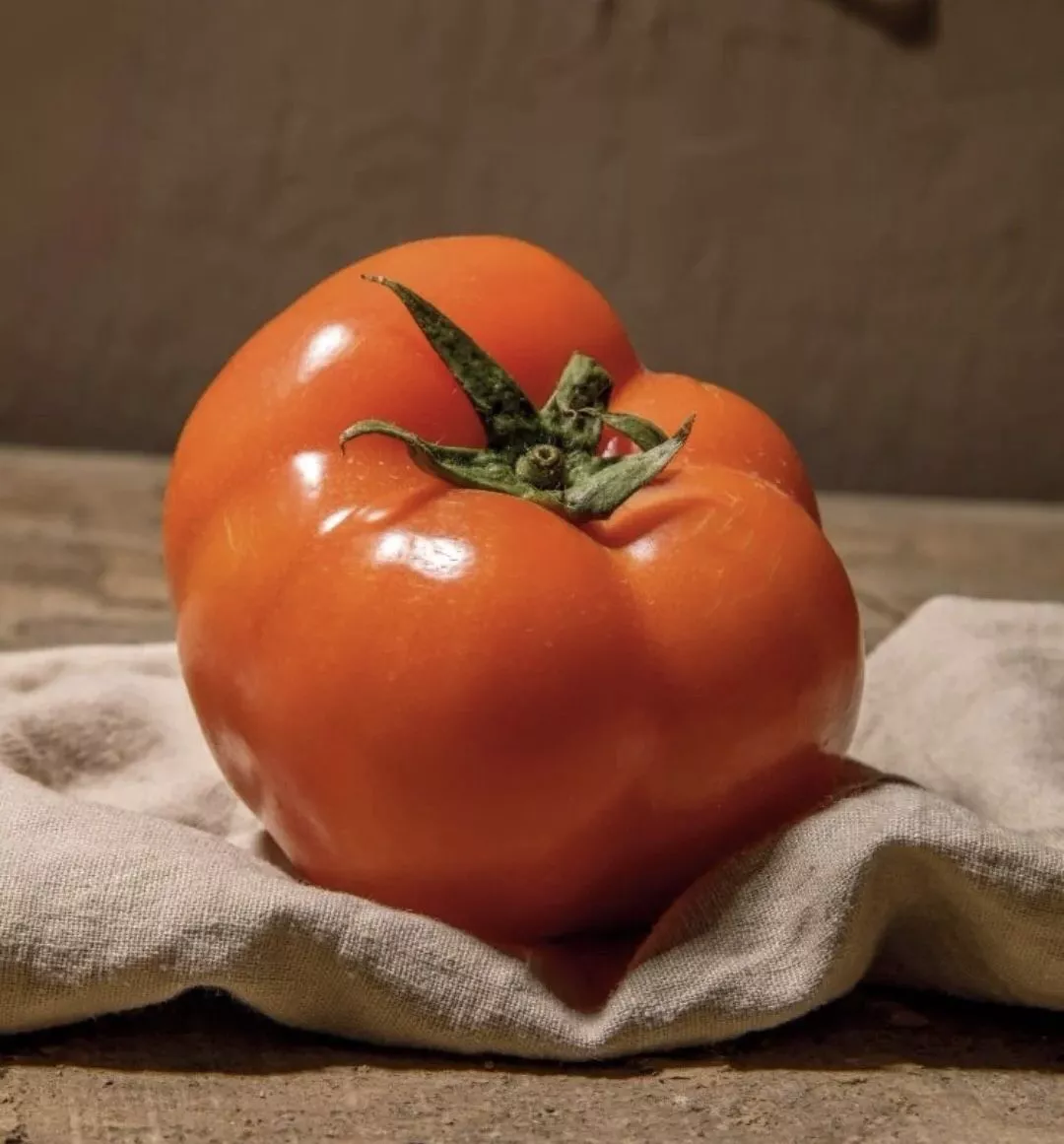
The key goal of a value study is to train you to be able to break down an image into its tonal values.
This means you want an image which trains those values well, and can be post-processed so you can break it down digitally using Photoshop and see how off you were.
What Makes a Good Photo?
In this post, I'll look at a few characteristics you should have in your value study.
1. Pick a subject that is clear and focused
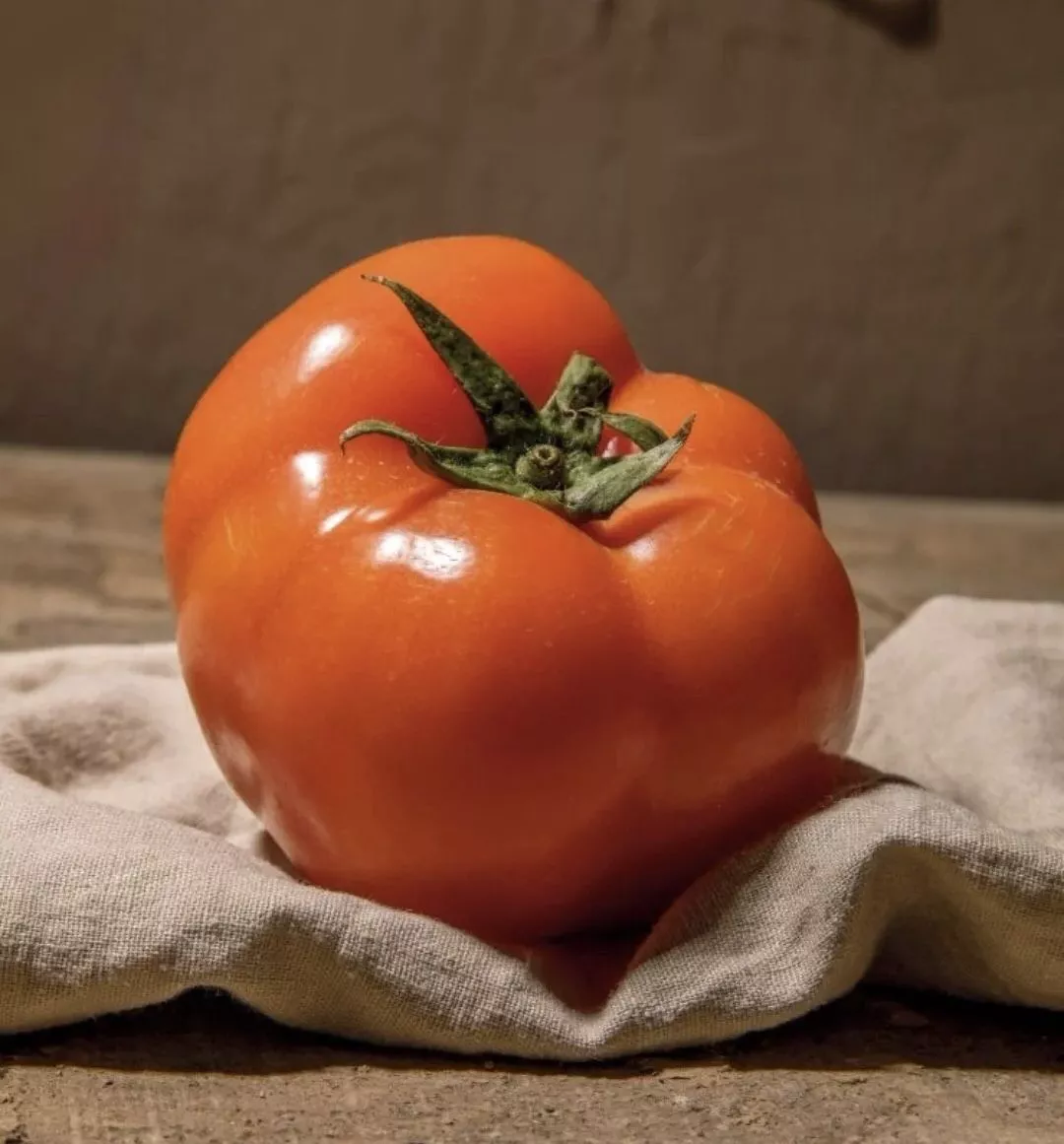
In this image, there is just one tomato and it's quite a clear shot. Nothing distracting.
2. Avoid subjects with complicated lighting — unless that's what you want to practice
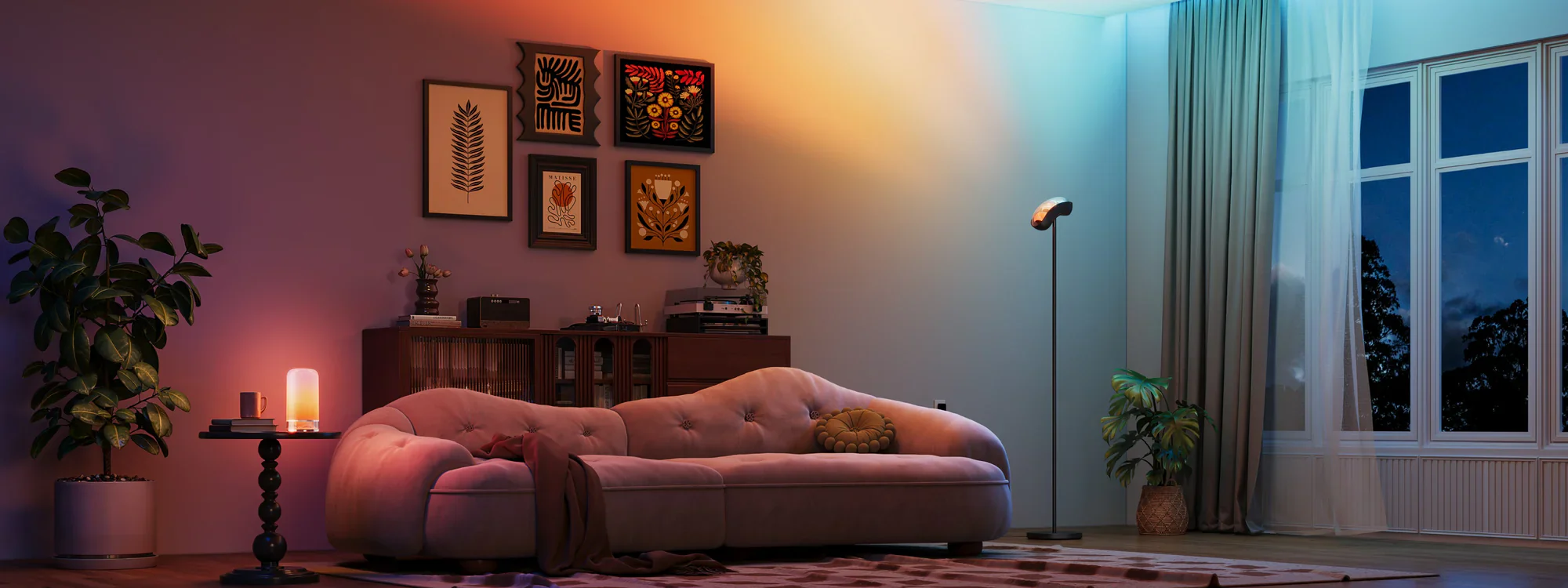
There are so many light sources here — the left light, the right light, and the light from the window — so there's a lot of work to do.
3. For multiple subjects, look for clear and separate tonal palettes
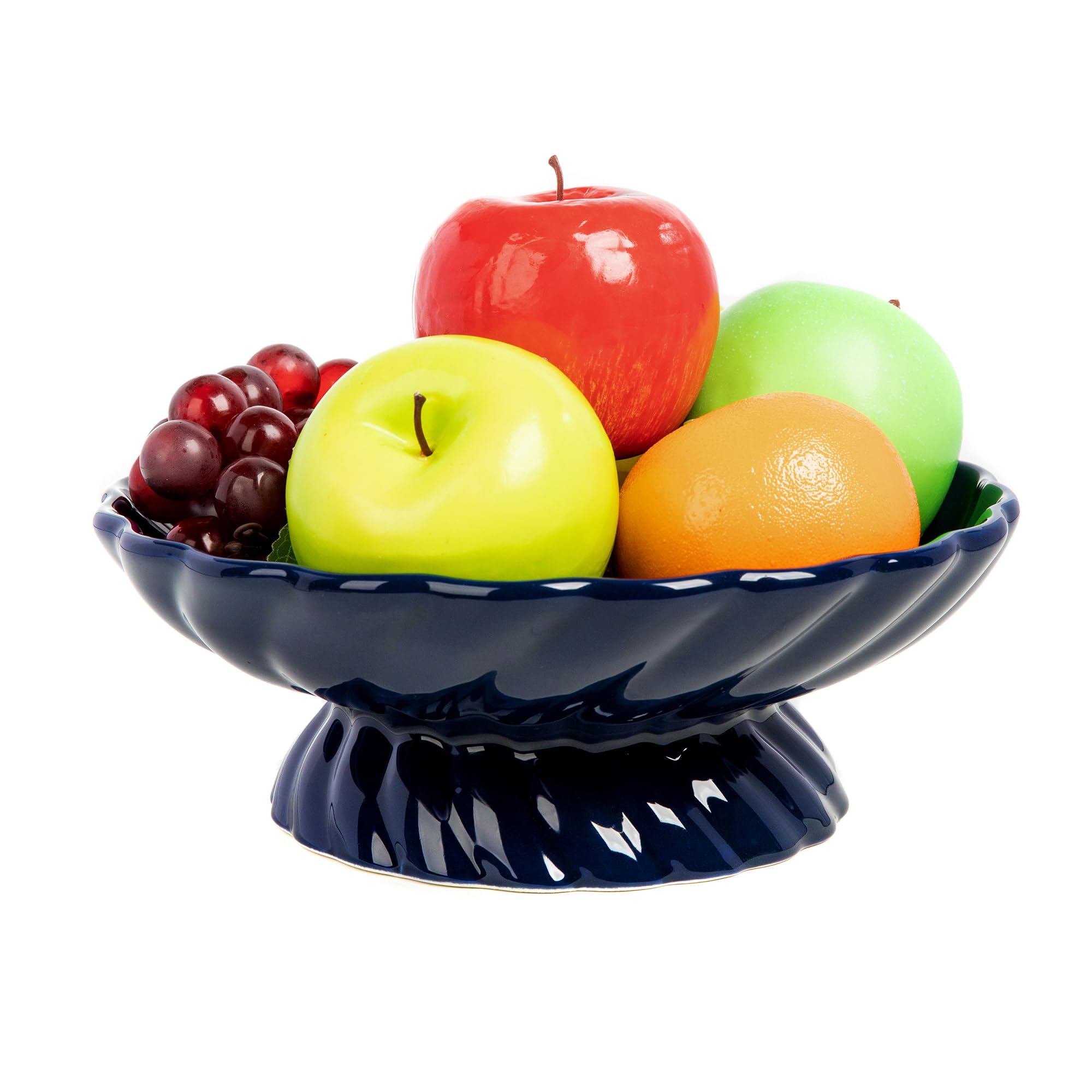
This is why bowls of fruit are so popular. They train you to break down your subjects and work through them one by one.
4. Don't pick subjects with messy or complicated backgrounds
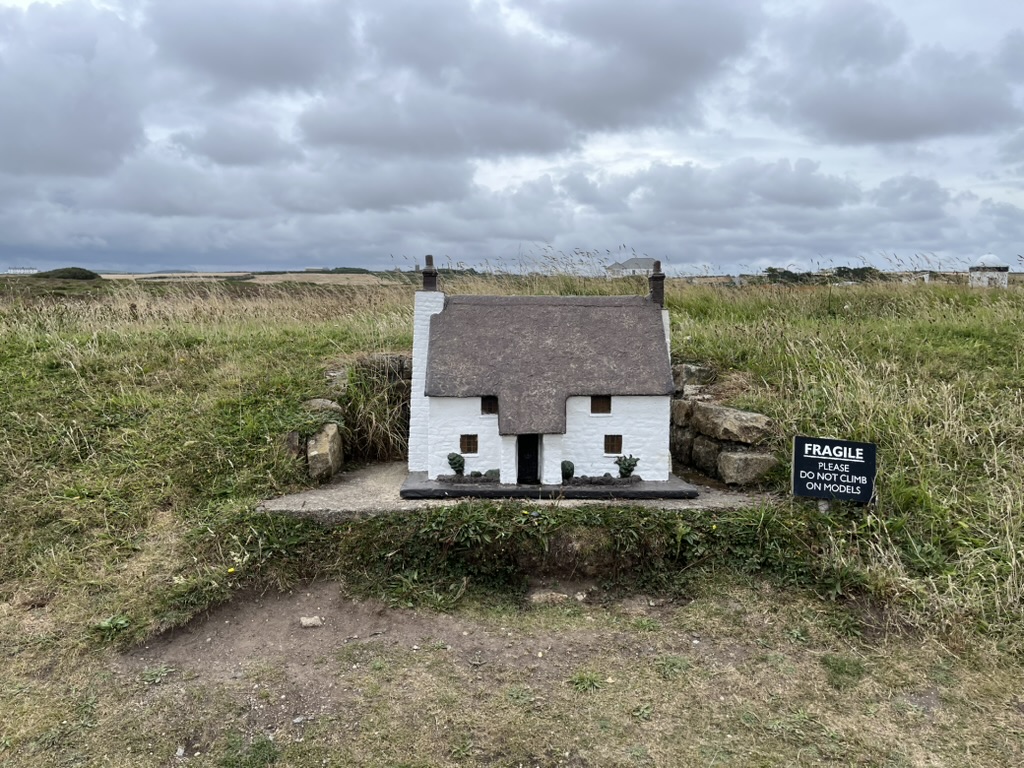
Take this model house, for example. It would be an awesome subject but a poor value study, because there is so much going on — the sky, the foreground, and the background. Imagine running the processing to make it work! Some values in your background might match the value of your subject, breaking the value study if you did it in grayscale.
5. Make sure there is strong contrast between your lights and darks
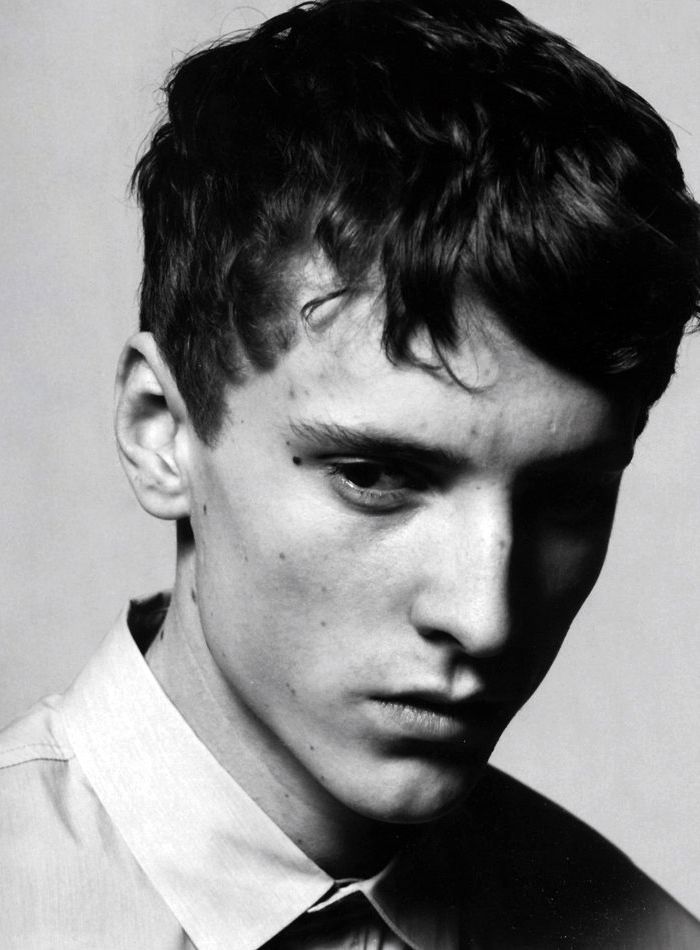
That last point is important. If everything in your image sits in the mid-tones, you won't have much to work with.
You want a clear separation — something that is obviously light, something that is obviously dark. That contrast is what gives your value study its structure.
A good rule of thumb: if you can't squint at the image and immediately read the big shapes, it's probably too complicated.
Why We Squint
Squinting flattens the detail and leaves you with just the values — which is exactly what you're trying to train your eye to see.
How I Pick Photos Here at ValueStudiesCoach.com
Most of the photos here are community-sent, so I have to be selective about which ones make a category track and which don't. I usually pick using this criteria — the exception being if a photo is a lot of fun to draw!
And while I do give you the option to manipulate the images, the ones I pick generally play well with the default settings.